Get access to unbeatable shared mobility data
See what happened yesterday.
Build a better tomorrow.
Access real-time data on 730+ fleets and analyze 78 million trips per month in 200+ cities around the world through City Dive.
Try for free Book a meeting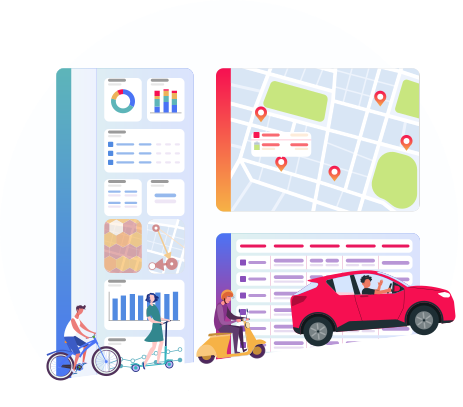
Trusted by 40+ customers










We are the enablers.
Fluctuo empowers teams to
Our products
Fluctuo shows operators and cities the bigger picture. Our team of mobility experts combine innovative data-collection methods with sophisticated algorithms to produce the most exhaustive and precise data on the market.
City dive
Make strategic decisions based on accurate data
Cities and operators use Fluctuo to dive into the mobility ecosystems of cities across the world and make data-driven decisions on mobility strategy and policy.

Delta
Understand how cities move
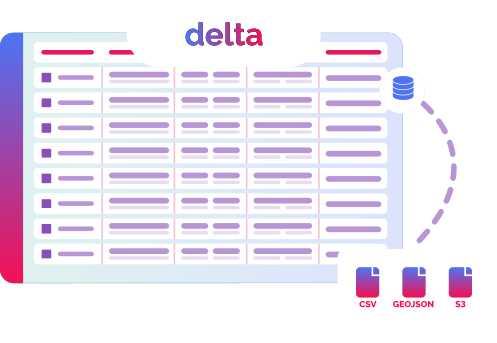
Acquire geo-datasets to identify hotspots for shared mobility in specific cities. Ideal for informing decision-making for operators, urban planning agencies and cities.
Bridge
Use Fluctuo to display real-time vehicle information
Fetch the status of any shared bike, scooter, moped or car in over 700 cities. By connecting MaaS providers with operators, we accelerate the adoption of shared mobility.

How Fluctuo can help you
You get what you give

If we want to accelerate the adoption of shared mobility and drive carbon neutrality, we all have to pull in the same direction.
By giving Fluctuo access to your data, you allow us to report accurate figures on your service to public stakeholders, painting you in the best possible light.
Get Fluctuo’s industry-renowned mobility newsletter
See everything that’s going on in the busiest and most dynamic shared mobility landscapes in the world.
Sign up and never miss a street.


Follow us Linkedin
© fluctuo 2019 - 2026